3D Printing Stand
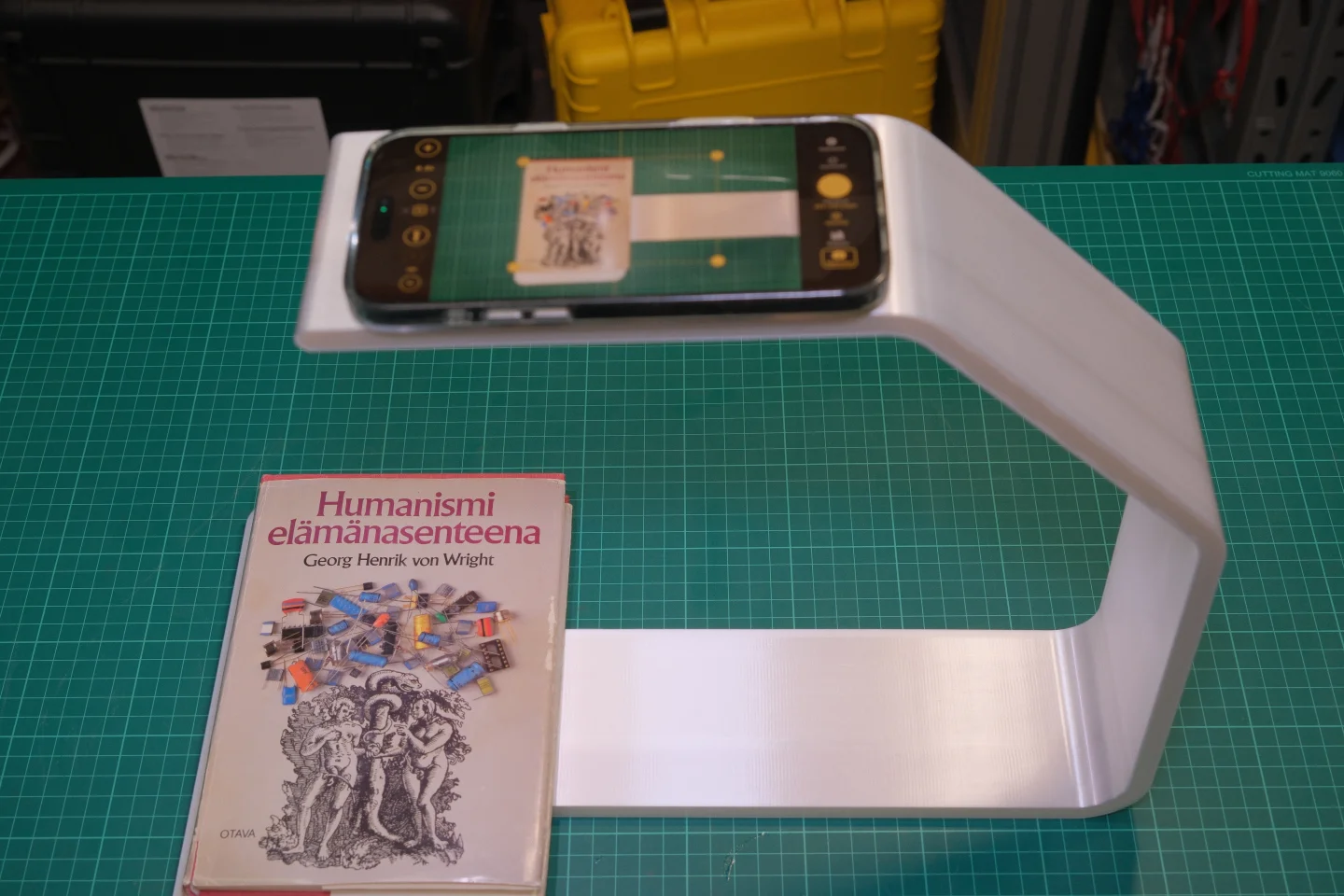
Print your own book scanning stand for iPhone 15–17 Pro Max. Free STL files — works with any FDM printer.
Recommended Print Settings
The 3MF project comes pre-configured for BambuLab H2D. Use these settings as a reference for other printers.
| Setting | Value |
|---|---|
| Material | PLA or PETG |
| Layer Height | 0.20 mm |
| Infill | 15–20% |
| Supports | Not needed |
| Walls | 3 |
| Print Time | ~1.5 hours (both parts) |
| Filament | ~30 g total |
STL files can be used with any FDM slicer.
Tip: Dark filament recommended — reduces reflections and glare when scanning. Black or dark grey works great.
Assembly
No glue, no screws — just snap together and start scanning.
-
Print Both Parts
Print Frame.stl and Plate.stl using the recommended settings above.
-
Attach Plate to Frame
Slide the Plate into the Frame until it clicks into place.
-
Mount Your iPhone
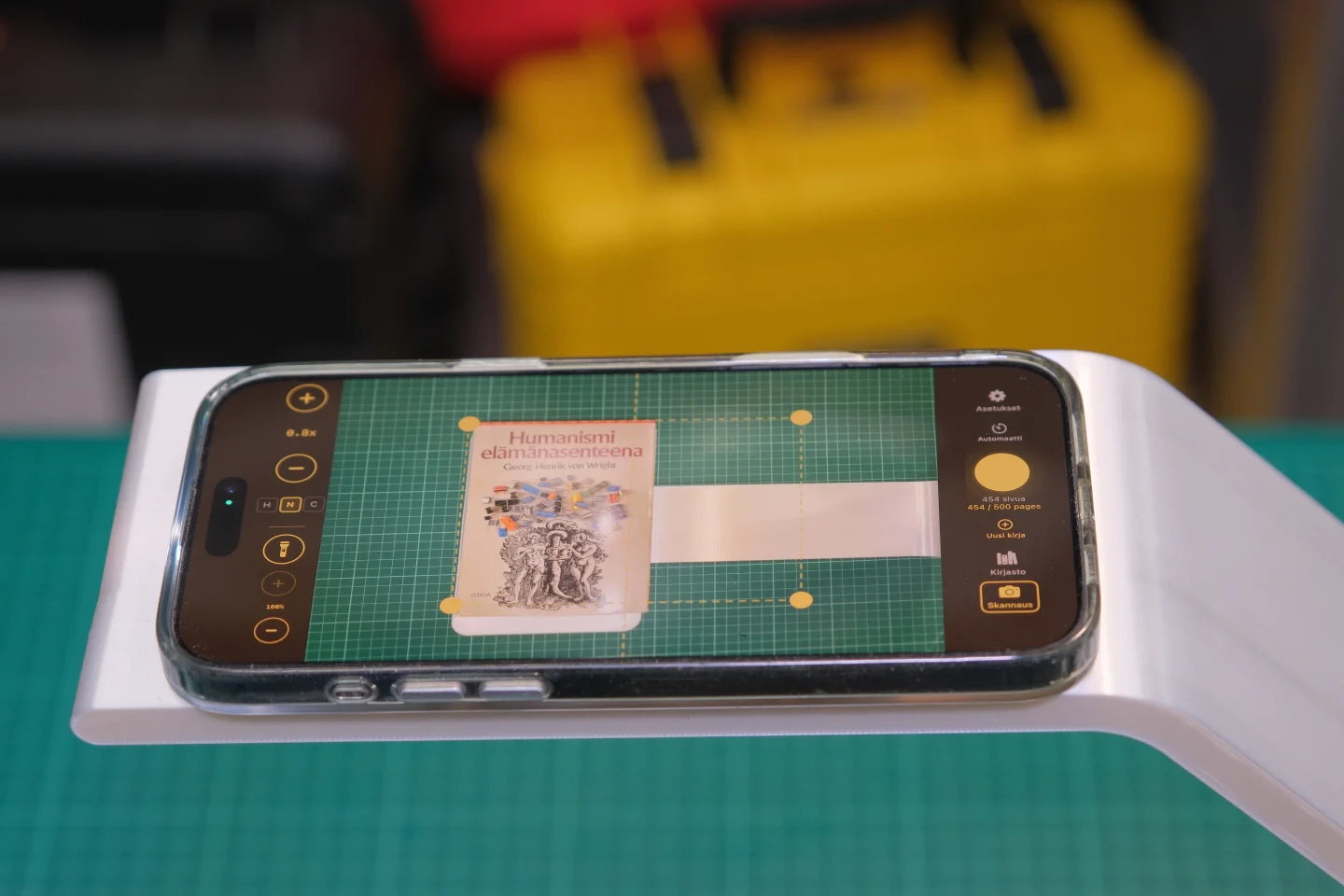
Place your iPhone 15–17 Pro Max into the frame, camera facing down.
-
Start Scanning
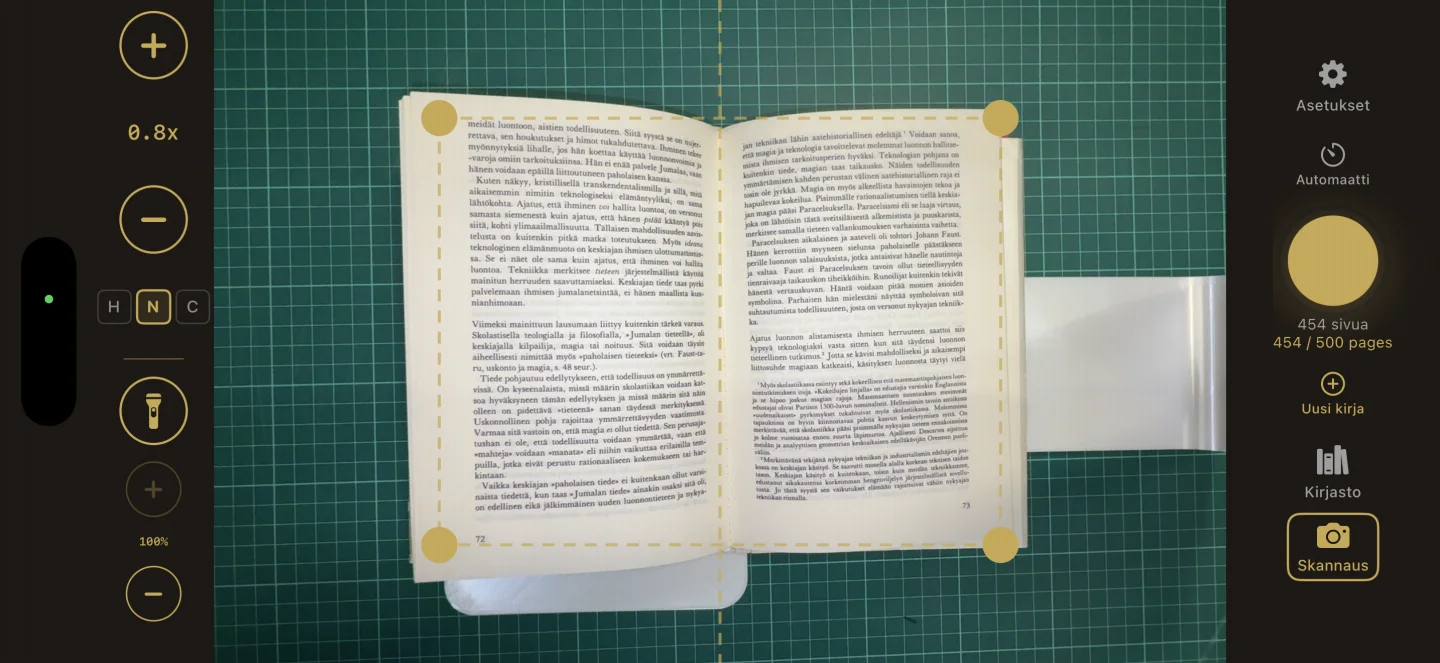
Open the Knut app, position the stand over your book, and begin scanning.
Gallery
Ready to Scan?
Pair the stand with the Knut app for the best book scanning experience.